The HomeSmart Story
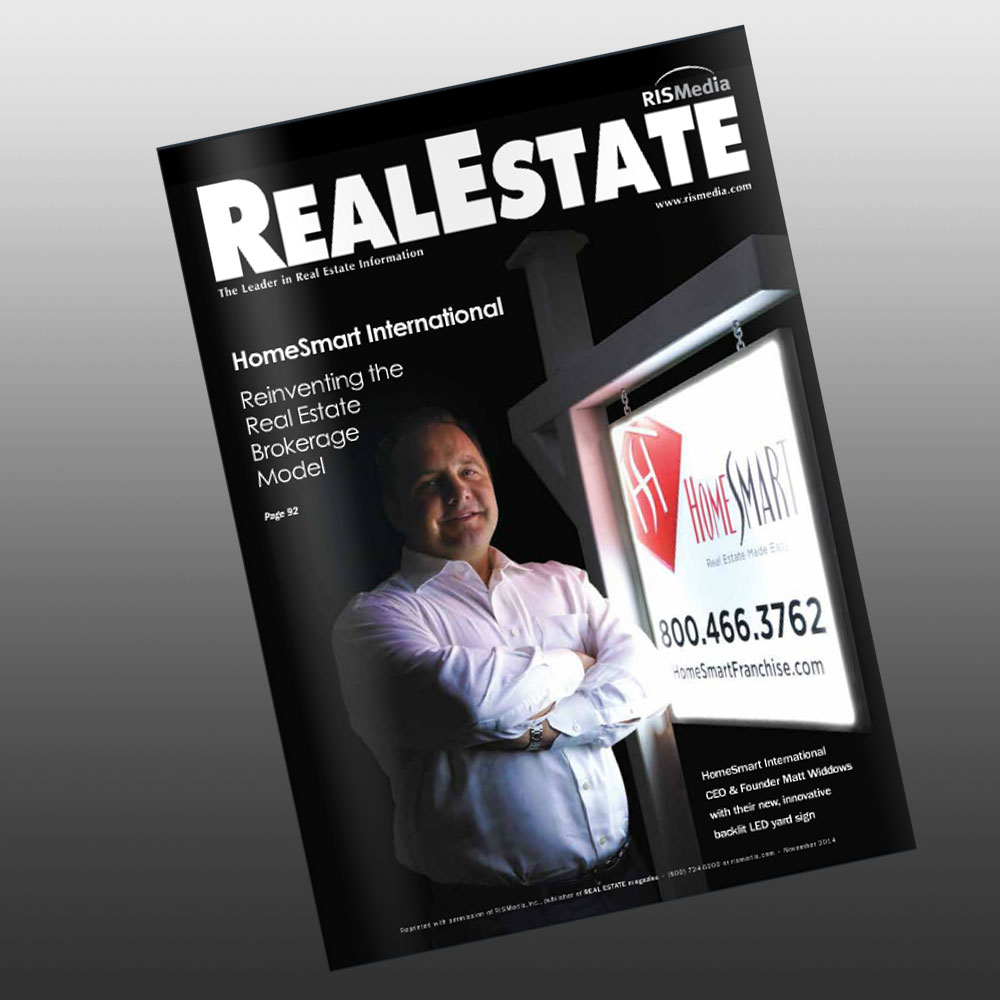
In 2000, Matt Widdows, founder of HomeSmart, believed that the real estate industry had been left behind in technology and systems to support real estate agents in their day to day business needs. Agents and their clients lived and communicated online and they now expected to find answers and resources at their fingertips. Matt wanted to combine traditional real estate concepts with innovation and a technology approach. This thought gave birth to the HomeSmart “low-fee, high-value” brokerage model.
Matt believed in the opportunities the real estate industry provided and wanted a brokerage model that welcomed every individual. His vision was to utilize technologies that supported systems and services to make both the agent and the brokerage successful. This approach would provide long-term growth and stability for the brokerage and ensure success for the agent.
“Low-fee, high-value” brokerage services has deeper meaning to our mission. It’s who we are and guides everything we do. See, anyone can charge low fees but it’s the way that we are able to consistently deliver high value that is the real “secret sauce” that makes HomeSmart special.
Technology That Makes Real Estate Easy
HomeSmart’s technology stands apart from anything else offered in the real estate industry! Our systems minimize redundancies to make life easier for the agent and for the brokerage. At HomeSmart, we take pride in streamlining our technologies making it available to the end user with — our favorite term — “a click of a button”! With HomeSmart, technology and SMART execution is a way of life. It’s taking the time to do things right no matter how big or small the task, so our agents and brokerages have time to provide the best services available to their clients.

Agent Tools
HomeSmart helps our Agents stay ahead of the rest by creating an ease and comfort with new technologies. Agents receive their own SmartSites to brand their individual business and optimize their listings. SmartBlog, SmartPanel and SmartFax are additional resources designed to help agents operate a successful business.

Listing Tools
Our technology tools enable Agents to efficiently market their current listings. In addition, HomeSmart offers other great marketing tools such as SmartFlyers, SmartTube, SmartCodes and SmartCapture. All designed to make your listings stand out.

Selling Tools
These technology tools are designed to help Agents sell their properties quickly and efficiently. SmartSearch is a powerful home search tool, enabling clients to quickly and easily find homes that match their criteria. SmartTour creates custom websites for buyers in minutes.

Support & Training
HomeSmart University provides real estate agents with the best possible training and support. KickStart is specifically designed to provide real-world training for new licensees. SmartAgent provides professional transaction coordinating and HomeSmart’s 24/7 broker support provides timely and accurate assistance when needed.
Executive Team
Matt Widdows
Founder & Chief Executive Officer

Matt Widdows is the CEO and founder of HomeSmart International and HomeSmart Phoenix. After several years in the real estate industry and a background in software for the medical industry, Widdows founded HomeSmart in 2000 as a new concept real estate brokerage in the Metropolitan Phoenix market...
Ashley Bowers
President

With more than 20 years of experience in the talent management and organizational growth industries, she thrives on empowering teams to achieve success and drive profits, and brings a unique approach to organizational leadership at HomeSmart International.
Alan Goldman
Chief Financial Officer

With a passion for building teams, Goldman came to HomeSmart with years of experience in finance and accounting for companies in real estate brokerage, development and construction.
Carol Perry
Chief Business Development Officer

Carol Perry heads up the affiliated businesses at HomeSmart. She is responsible for managing the functions of the mortgage, title, home warranty services, along with a host of other business arrangements.
Todd Sumney
Chief Industry Officer

Todd Sumney joined the HomeSmart International team as the company’s chief marketing officer in 2014. Sumney came to HomeSmart with more than 25 years of experience in marketing, advertising and graphic design for large companies and clients across multiple industries...
Bryan Brooks
SVP of Franchise Sales

Bryan Brooks joined the HomeSmart International Team in October 2015 as the company’s senior vice president of franchise sales. In his leadership role at HomeSmart International, Brooks is responsible for spearheading the company’s domestic and international franchise growth initiatives...
Kevin Pieper
SVP of Real Estate Operations
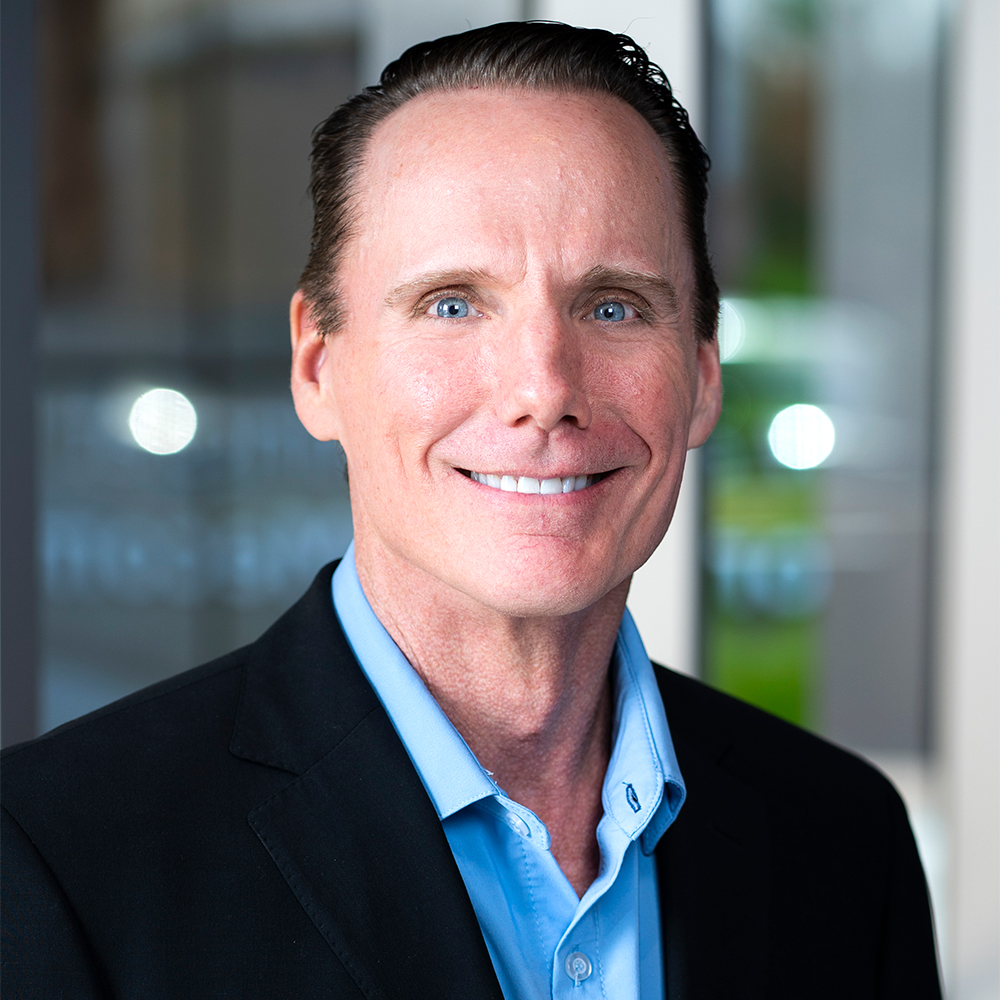
Kevin Pieper joined HomeSmart International as Senior Vice President of Real Estate Operations in August 2021. He has a passion for building high-performing teams with a focus on customer service, process improvement, leadership development, and strategy creation...
Trish Powell
President, Equitable Title Agency

Trish Powell, a seasoned professional with over forty years in the title industry, joined the HomeSmart Family of Companies in 2015 to launch Equitable Title Agency in Arizona. She now serves as President of all current title operations and oversees their ongoing expansion efforts into high-growth, emerging markets.
Jennifer Kim
VP, Corporate Controller in Accounting

Jennifer Kim joined HomeSmart International as Vice President Corporate Controller in Accounting in July 2021. Jennifer came to HomeSmart with years of hands-on experience in the service industry and real estate as a corporate controller and accounting/reporting director...
Nishika Green
VP of East Coast Corporate Operations

Nishika Green is a veteran of the real estate industry with more than 20 years of experience. She joined HomeSmart in 2020, overseeing operations in Greater Washington, D.C., where she was born and raised. Now, as VP of East Coast Corporate Operations...
Jennifer Folk
Chief Operating Officer, Minute Mortgage

Her 20+ years of mortgage and technology development expertise ensures that Minute Mortgage builds scalable fulfillment teams and operational workflow models designed to bring about a transformative and satisfactory mortgage experience for both real estate agents and consumers.